What is Obsidian?
Obsidian is a markdown based note taking application. Markdown is a formatting language for plain text. Plain text files are smaller, and easier to search without heavier file formats like Microsoft’s .docx or the .odt files created by Google Docs.
It can be created largely without pulling your hands off the keyboard. “#” make up your hierarchical headings (# -> ## -> ### -> #### -> #####). Asterisks “*” can be use italicize text, and a double asterisk will bold) it. The intent is efficiency. Rather than fumbling around with a standard word processor (Microsoft Word, Google Docs, etc) - everything can be written up, searched, and parsed via plain text.
Why use Obsidian?
Powerful tools - it was made to help you take nodes and be your second brain. The most powerful tools in Obsidian are the graph and the canvas.
Less is more - fewer features (but the right features) mean less clutter and focused experience. There are no font choices, limited ability to adjust font size (impossible beyond headings), and no review features.
Community store - Obsidian has a well supported community to build themes, mods, and add in extra features to fit your use case. If there’s something you want, someone has probably already made it.
Integrated search - The entirety of the contents for your Obsidian documents are readily searchable. This means you can search by a term, and find which note it’s actually in (versus only being able to search the contents of a single document, or search by title).
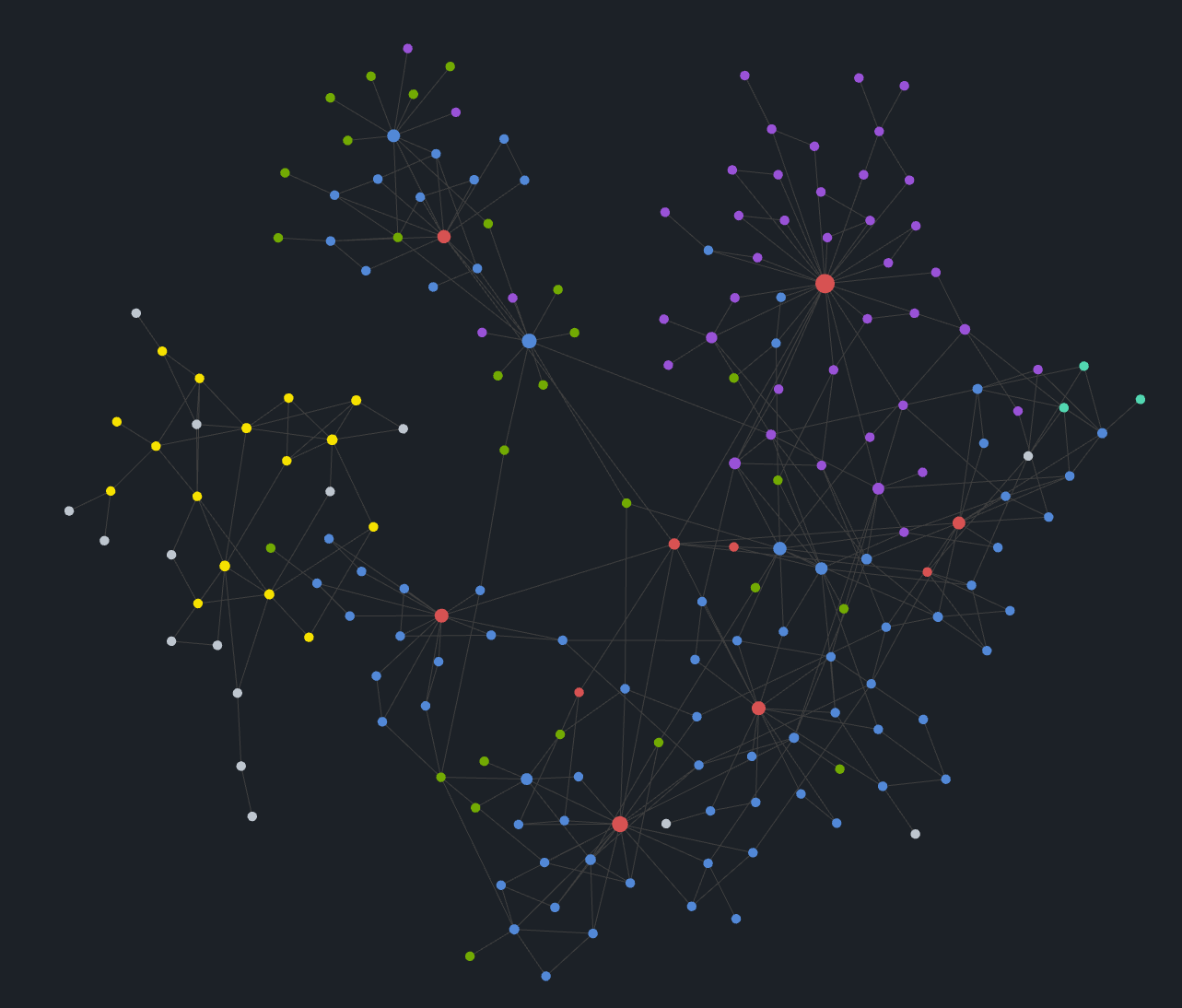
Graph - the mind map
The graph is your second brain, showing interconnections between your notes. These backlinks are created manually with a link [[LINK]].
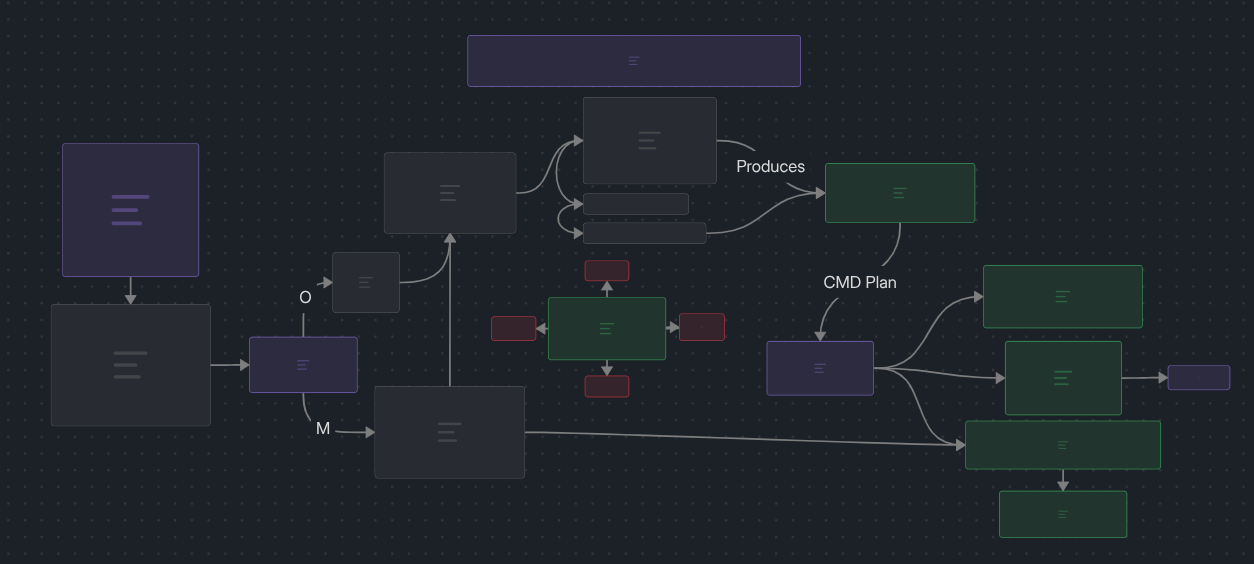
Canvas
Each node in the canvas can be its own note, an image, or just a block on the diagram.
Notes
A note is the building block for Obsidian.
Who is it for?
Someone looking for a minimal, private, simple text editing application. THERE IS A LEARNING CURVE. It definitely takes some time to get used to the shortcuts, features, and find what workflows work for you. For me, the time has been worth the investment.
How to use Obsidian?
Obsidian Documents and Obsidian Rocks offer far better tutorials than I could write here.
Install Obsidian
If this seems interesting to you, install Obsidain from here!